





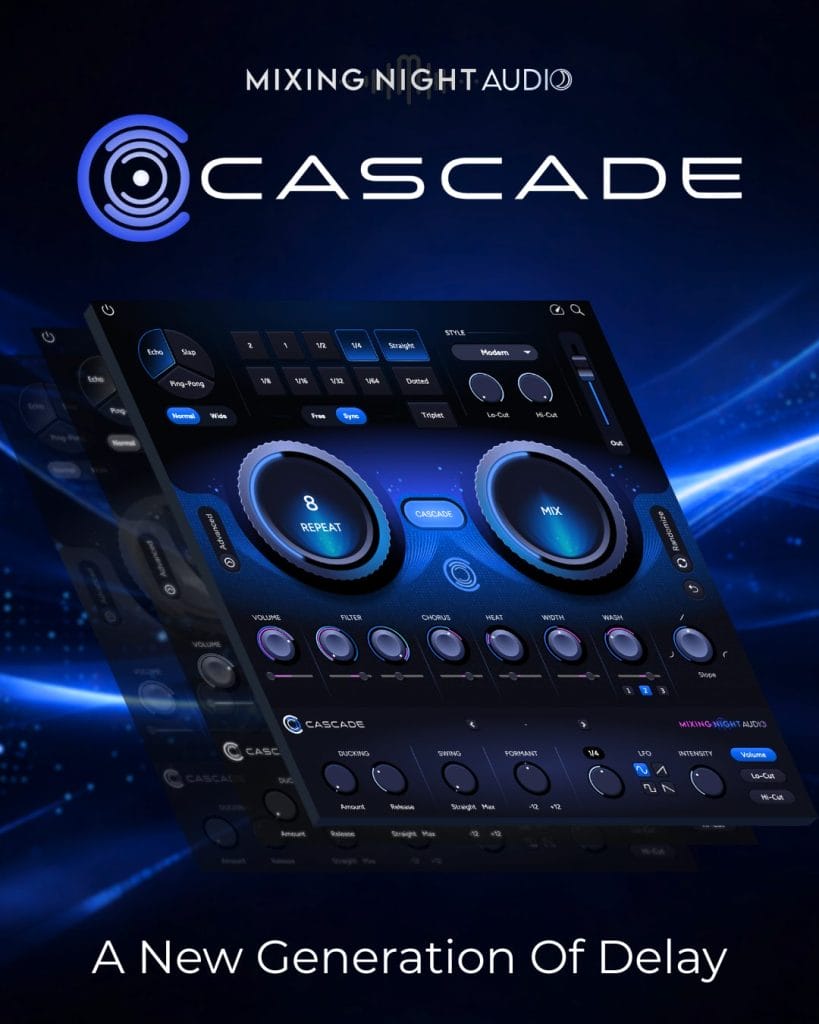
Mixing Night Audio is making a direct pitch with Cascade. This is a delay plugin built for producers who want fast results when they are writing, but still want enough depth to shape something more custom once the idea is there.
Mixing Night Audio is framing it as an all-in-one delay tool, and from the feature set alone, you can see why. It covers the core delay jobs quickly, then opens into a more detailed workflow that looks aimed at people who like pushing effects past the usual presets.
What caught my attention here is the way the plugin is organized.
A lot of delay plugins either keep things so stripped down that you hit a wall fast, or they bury the useful stuff under too many pages and menus. Cascade looks like it is trying to sit in the middle. You get immediate access to the delay type, timing, feedback, and mix, but there is still enough under the hood to make it relevant for people doing more detailed production and mix work.
Built for speed when ideas are moving fast
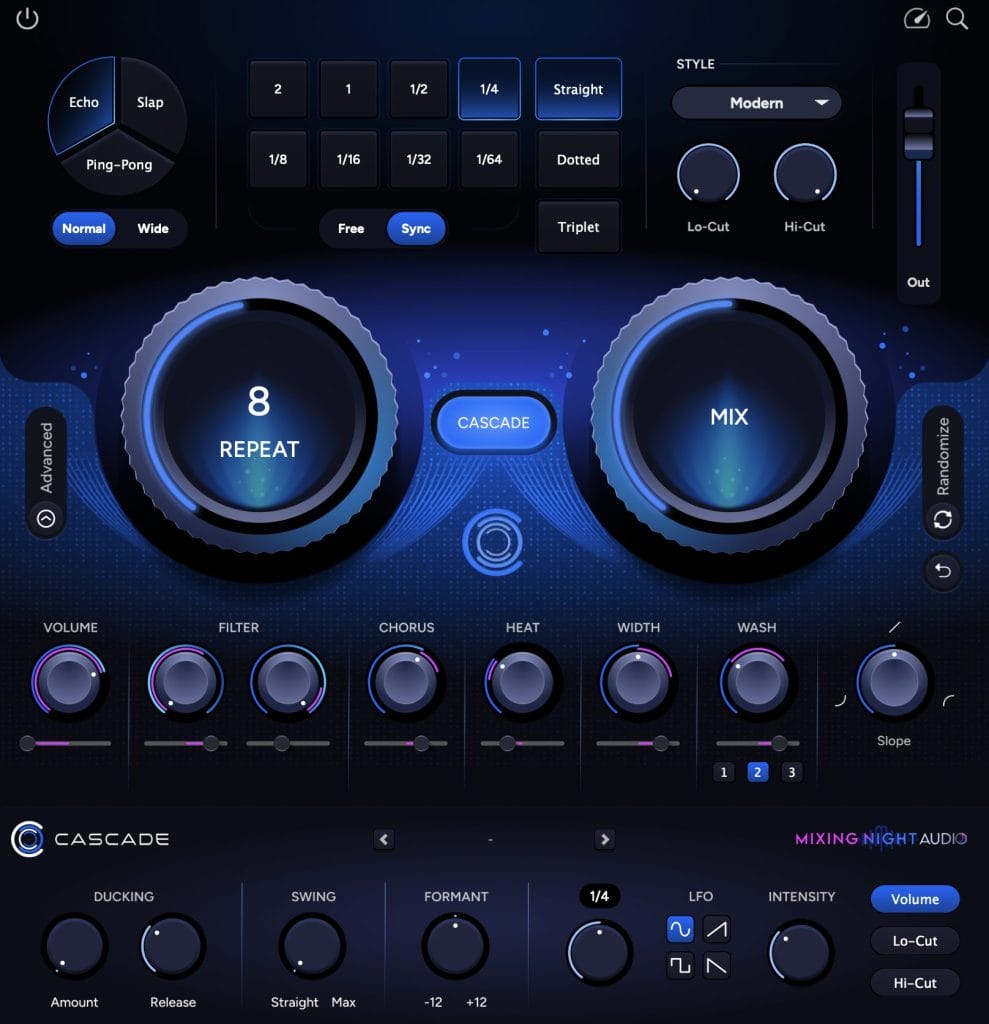
At the top level, Cascade breaks things into clear categories. You can choose between standard echo, slap, and ping-pong delay modes, then switch between normal and wide behavior without spending time hunting through extra controls. That alone makes sense for producers, because delay is one of those tools you often reach for in the middle of an idea when you do not want the creative momentum to stall out.
The timing section also looks well thought out.
Instead of forcing you to drag a knob around and hope you land on the right sync value, Cascade lets you click directly into the timing you want, or switch to a free mode and set it in milliseconds. That is a small thing, but it matters in practice. Good plugin design is often about removing unnecessary friction, and this feels like the kind of improvement that helps you keep working instead of troubleshooting.
Then there is the style section, which looks like it is there to get you moving quickly. Built-in voicings like Modern, Thru The Door, and Shimmer are included to give the repeats a different character right away, and there are global low-cut and high-cut filters to shape how the echoes sit in the mix. That is useful on vocals, synths, guitars, hats, and anything else that needs space without getting smeared across the full frequency range.
The deeper controls are where Cascade starts to separate itself
Once you get past the surface workflow, Cascade starts to look more like a serious sound design tool. The FX section gives you chorus, heat, width, and reverb options that can all be used to shape the repeats into something more musical and less static. For producers, that is where a delay plugin starts to become part of the arrangement rather than a finishing touch.
The advanced section is also practical. Ducking helps keep the source signal clear while the delay fills the gaps around it. Swing lets the repeats move with the pocket of the track instead of sitting rigidly against it.
Formant control opens up extra tonal options, especially on vocals. Then there is built-in LFO modulation on volume and filtering, which means you can add motion inside the plugin without stacking extra tools after it.
Why this makes sense for producers right now
Delay is one of those effects that sits in nearly every session, but a lot of producers still end up building chains to get the exact movement they want. Cascade seems built to reduce that extra setup. You can get the basic job done fast, and then move into more detailed texture work without leaving the plugin.
For songwriters and producers, that has real value.
It means one plugin can cover a quick vocal throw, a synced lead delay, a washed guitar tail, or a more complex rhythmic effect on percussion.
For mixers, the ducking, filtering, width, and modulation controls make it easier to place echoes exactly where they need to sit.
Cascade is priced at $69 on sale, down from $99, and it comes with a 14-day free trial. It runs on macOS 10.12 or higher and Windows 10 or higher, with support for AAX, AU, and VST3 formats.
The post Mixing Night Audio’s Cascade Wants to Simplify Delay Without Dumbing It Down appeared first on Magnetic Magazine.