





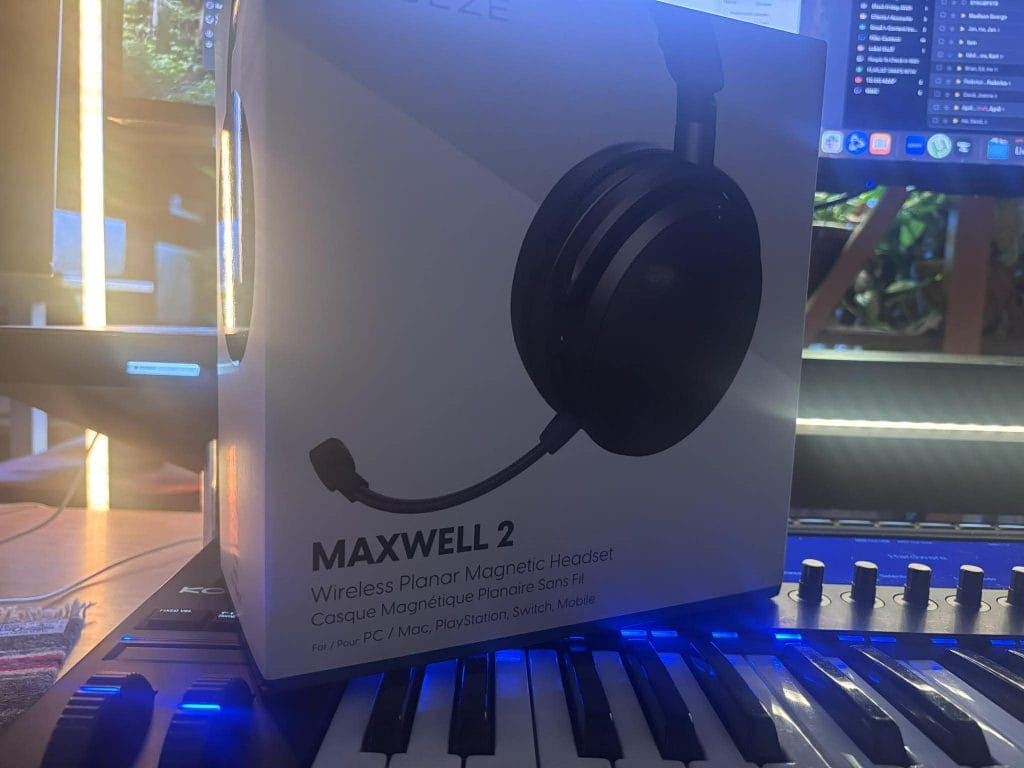
When I look at Audeze Maxwell 2, I see a product that knows what it wants to win on. Audeze is aiming at audio performance first, then it builds the rest around a long-lasting wireless platform that can move between PC, PS5, handhelds, and phones without turning into a weekly troubleshooting project.
That is the pitch, and my experience getting familiar with it made the intent obvious fast. Maxwell 2 feels like it was built for people who care about clarity, positional placement, and low distortion in a wireless gaming headset, and it also asks you to accept a couple of real-world constraints that will either feel minor or feel like a dealbreaker depending on how you actually use your headset day to day.
I have seen plenty of arguing online about this model, but after living with the setup and the switching rules, I get why the conversation splits.
I am going to walk through how the headset is put together, what I learned while dialing in the controls and connection modes, why PS5 use feels clean in my home, and how I think about the upgrade question.
Set Up and First-Day Reality: Straightforward, If You Treat It Like A System
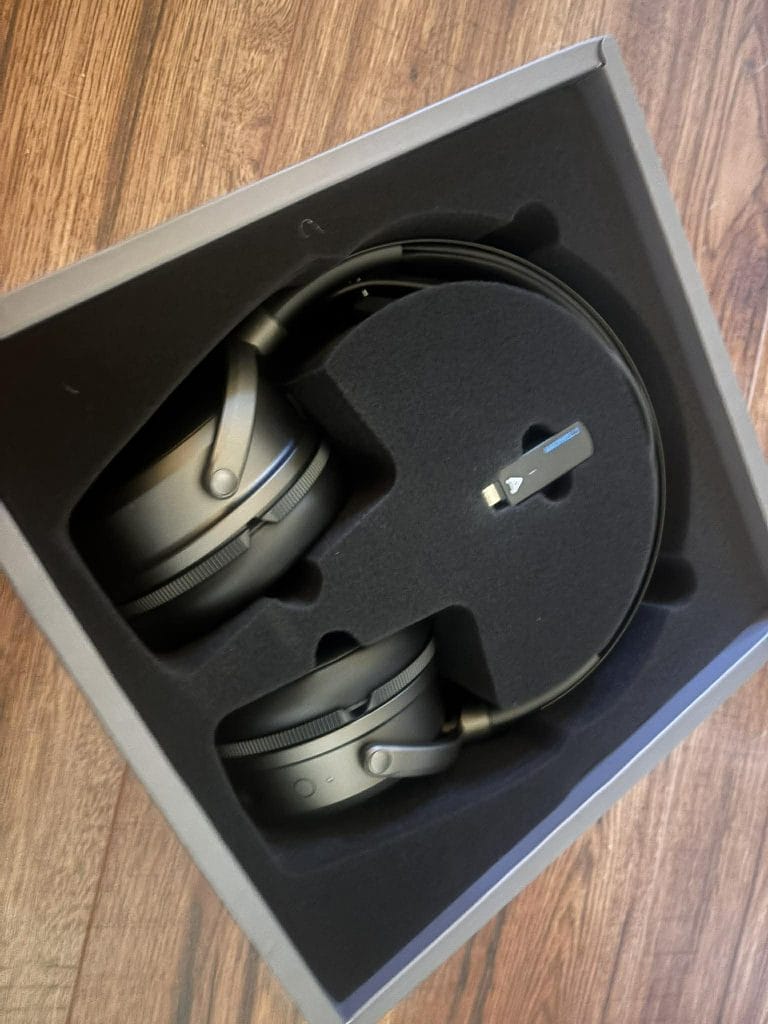
The setup can be prety easy if you treat Maxwell 2 as a system rather than something you half-configure in 5 minutes. Right out of the gate, it wants a full charge before you start leaning on it, and it will charge off a standard 5V USB source.
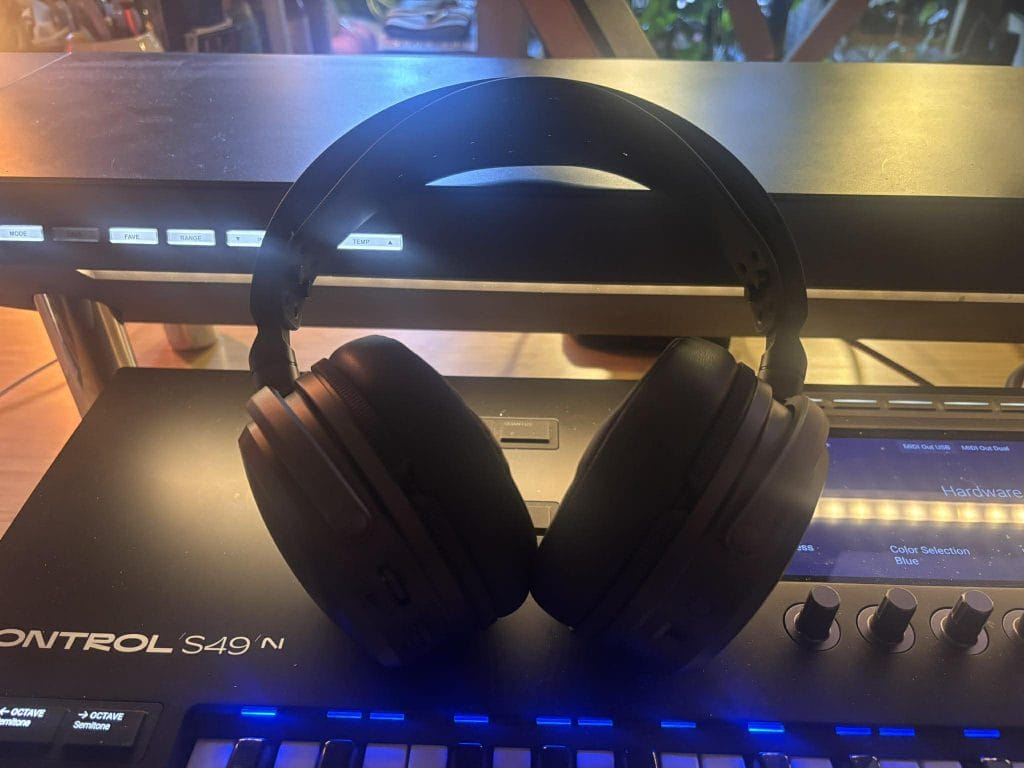
It also supports 1.8A fast charging, which changes how you live with it. The fast-charge behavior is one of the biggest strengths here, as around 20 minutes on a charger can translate into roughly 20 to 30 hours of playback in typical use, and the big battery claim is 80+ hours at an 80 dB listening level. The 80 dB detail is pretty damn significant because it anchors the claim to an actual listening level instead of leaving it vague.
Power-on is simple. Press and hold the power button on the bottom of the right cup for three seconds.
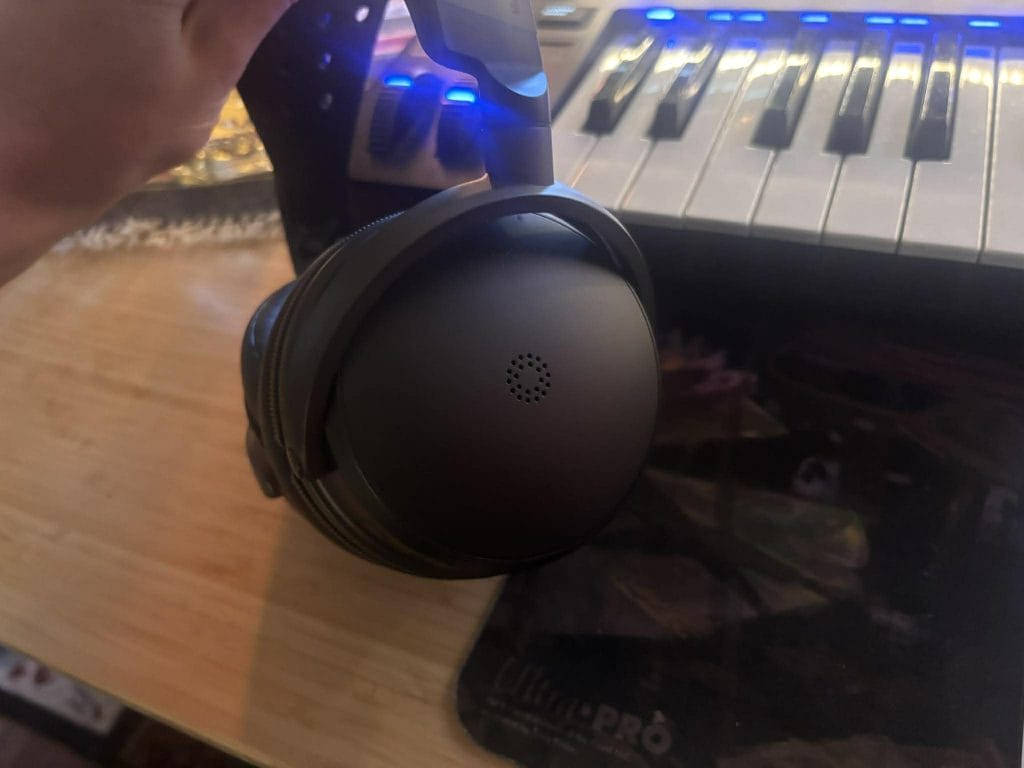
From there, the quickest way to keep your sanity is to pick one connection method first, get it stable, then add the rest. Maxwell 2 will auto-connect to the included wireless dongle when the dongle is plugged into a compatible device and the dongle switch is in the correct position. That switch is where people can accidentally create their own issues, so I treat it like a pre-flight check.
The dongle has a side switch with positions for PC, PC and macOS, Nintendo Switch, Steam Deck, and PC gaming handhelds, plus a PS position for PlayStation 5. One habit that saves time is to remove the dongle before changing the switch, set it to the correct position, then plug it back in. Devices behave more predictably when you force a clean reconnect rather than expecting them to renegotiate audio endpoints mid-stream.
If you ever get into a situation where it feels like the dongle and headset are ignoring each other, there is also a pairing reset method that is easy to replicate. You can initiate dongle pairing by inserting a paperclip into the small hole on the dongle until its LED flashes, then press the headset power button three times to power-cycle and pair on the next boot. That is the kind of detail I always want from modern wireless gear because it turns a vague issue into a known procedure you can repeat.
One more thing I learned quickly is that compatibility can still come down to the host device. Even if the headset and dongle are doing everything right, some systems handle USB audio more gracefully than others, so if you move between devices a lot, expect occasional differences in how cleanly things connect.
Controls And Fit: Smart Choices, With A Few Practical Quirks
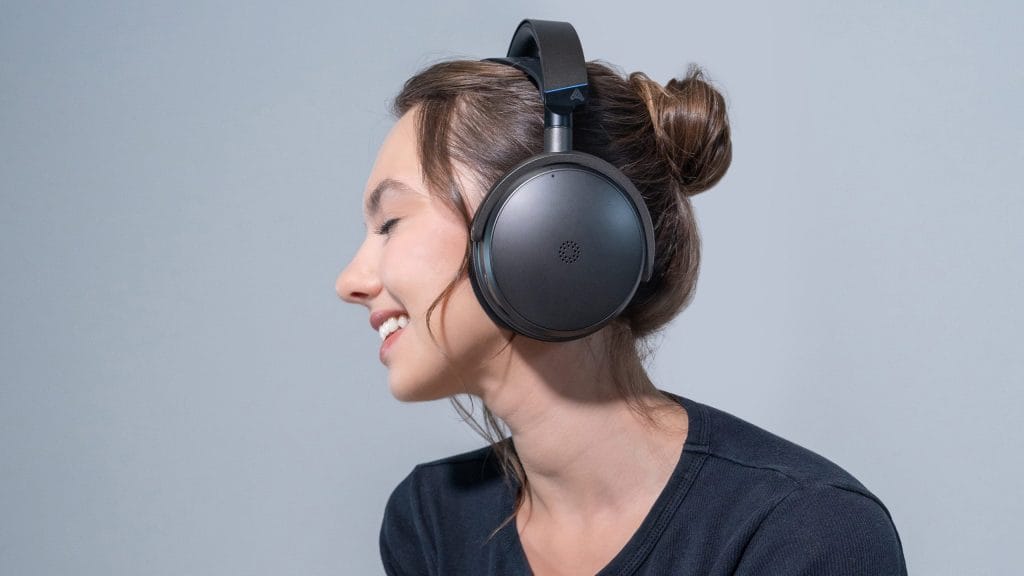
Maxwell 2 uses physical controls for the things you need quickly, which matters in games and calls (like when I’m teacing 1on1 produciton lessons to students). Microphone mute is controlled by a toggle switch on the bottom of the right ear cup, with up meaning mute on and down meaning mute off. I like physical mute controls because you can confirm the state by touch without opening the software.
Ergonomic
One small ergonomic detail is worth calling out because it can affect daily use. The mute switch sits recessed, and it can take a second longer to hit quickly than a larger, more obvious toggle. It is not a major flaw, but it is the kind of thing you notice once you have been using the headset for a while.
Headband Strap
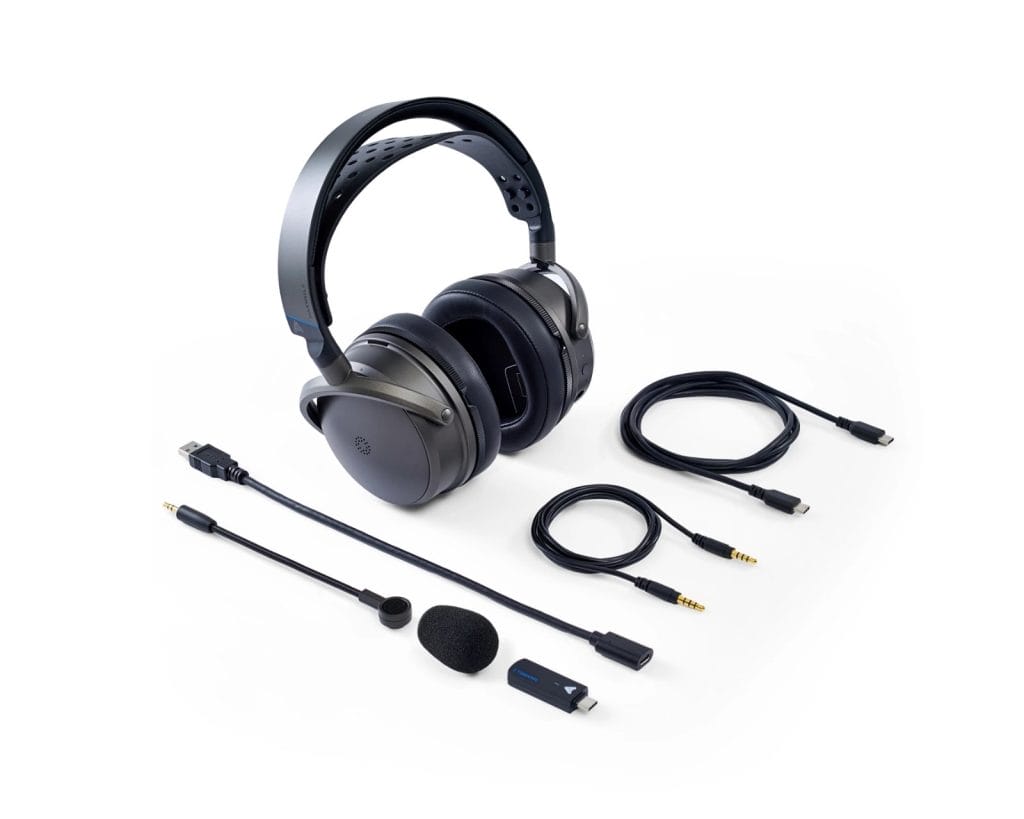
The headband strap sizing system is also very physical.
Strap sizing is adjusted by pulling the strap off its posts, then reattaching it by aligning the holes and pushing it over the pins. This is not a micro-adjust dial, so once you set it, it stays put, and that can feel stable and predictable. The downside is that if you share the headset or keep changing the fit, you are working with fixed positions rather than a quick slider.
There is also a port detail that can cause immediate confusion if you move fast during setup. Maxwell 2 has two 3.5 mm ports. The AUX port is at the bottom nearer the volume wheels, and the recessed front port is for the boom mic only. If you plug the wrong thing into the wrong port, you can waste time troubleshooting a problem that comes down to connector placement.
Weight
Now, the bigger comfort topic is weight.
Maxwell 2 is listed at 560 g and I can def feel that number. The wider suspension strap helps distribute weight more evenly across long sessions, but the mass is still there. If you already know you hate heavy headsets, this spec alone can end the conversation. If you tolerate heavier models and you like the way suspension straps spread pressure, you may be fine, but this is not a headset that disappears on your head.
Connectivity: Full Coverage On Paper, And One Real Friction Point In Practice
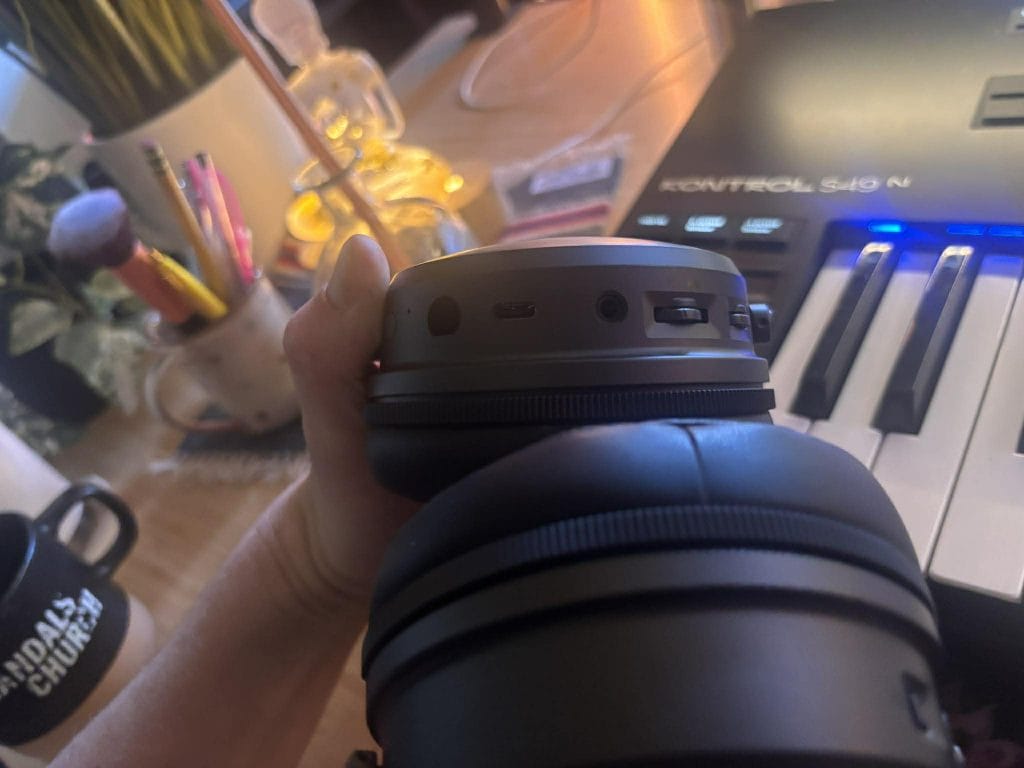
Maxwell 2 gives you four main ways to connect: the 2.4 GHz USB-C wireless dongle, Bluetooth, USB wired digital audio, and 3.5 mm analog audio. On paper, that looks like full coverage. In practice, the switching rules decide whether you feel like the headset is flexible or restrictive.
Bluetooth pairing mode is entered by double-tapping the power button.
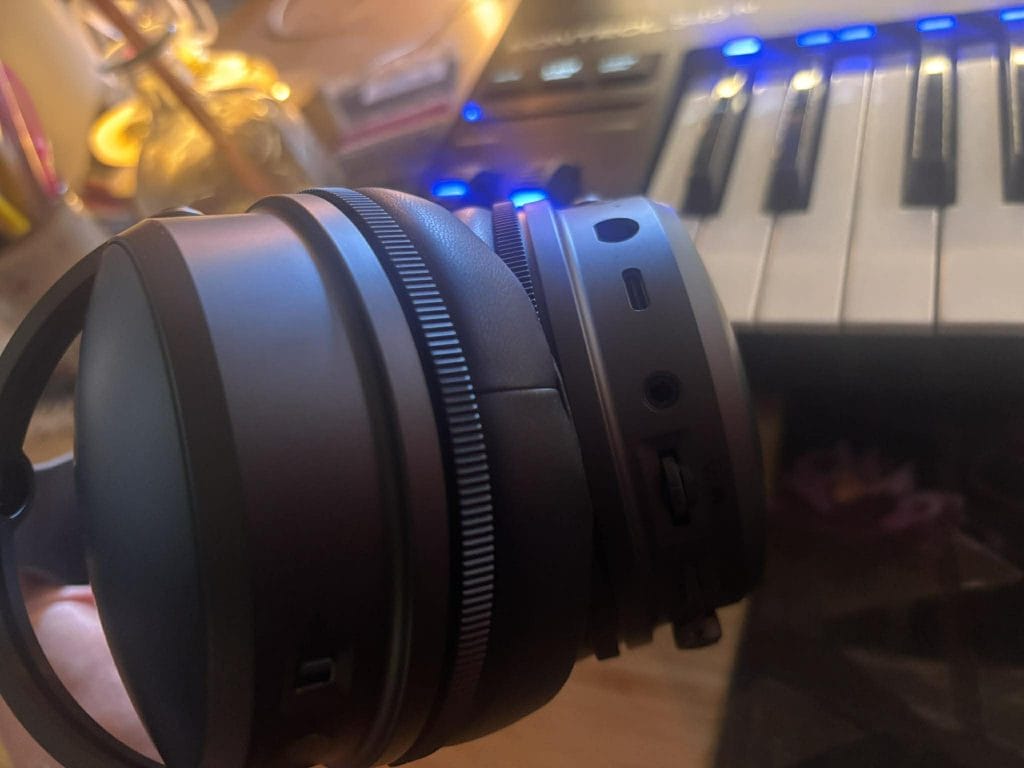
On Windows, it also supports Swift Pair, so you may see a pairing prompt automatically near a compatible machine. One thing I learned early, and I think it is worth repeating because it can save a full evening of frustration, is that you should not select the “Audeze Maxwell 2 BLE” entry during initial pairing. That BLE entry refers to low-energy mode and it is not the correct device for standard Bluetooth audio pairing. If you pick it by mistake, Bluetooth can look broken when the issue is pairing to the wrong endpoint.
USB mode
USB mode kicks in automatically when you plug in a USB cable that supports data, and it can support up to 24-bit/96 kHz audio on compatible systems. AUX mode also kicks in automatically when you plug into the correct 3.5 mm port.
Where the real friction shows up is in simultaneous audio behavior. Maxwell 2 can do simultaneous audio in some combinations, and it will not do it in others. Bluetooth and USB can run simultaneously, and Bluetooth and AUX can run simultaneously. Bluetooth and the 2.4 GHz dongle do not run simultaneously; they rely on automatic switching based on which audio is active.
This is the one constraint that I think matters most at this price, because it ties directly to modern routines. If you like the idea of running phone audio and dongle audio together in a fully wireless setup, that is not how Maxwell 2 behaves. You can still get two-source audio if you structure it intentionally. Bluetooth plus USB wired works, and Bluetooth plus AUX works. The friction is that the cleanest wireless pairing, dongle plus Bluetooth, does not operate in true simultaneous mode.
If your routine depends on having two devices active at once with no compromises, this limitation will be hard to ignore. If you keep Bluetooth as a convenience layer, and you are fine keeping the dongle as your main link while Bluetooth stays secondary, this will feel manageable.
PS5 Use: Clean, Predictable, And Easy To Recommend In A Console Household
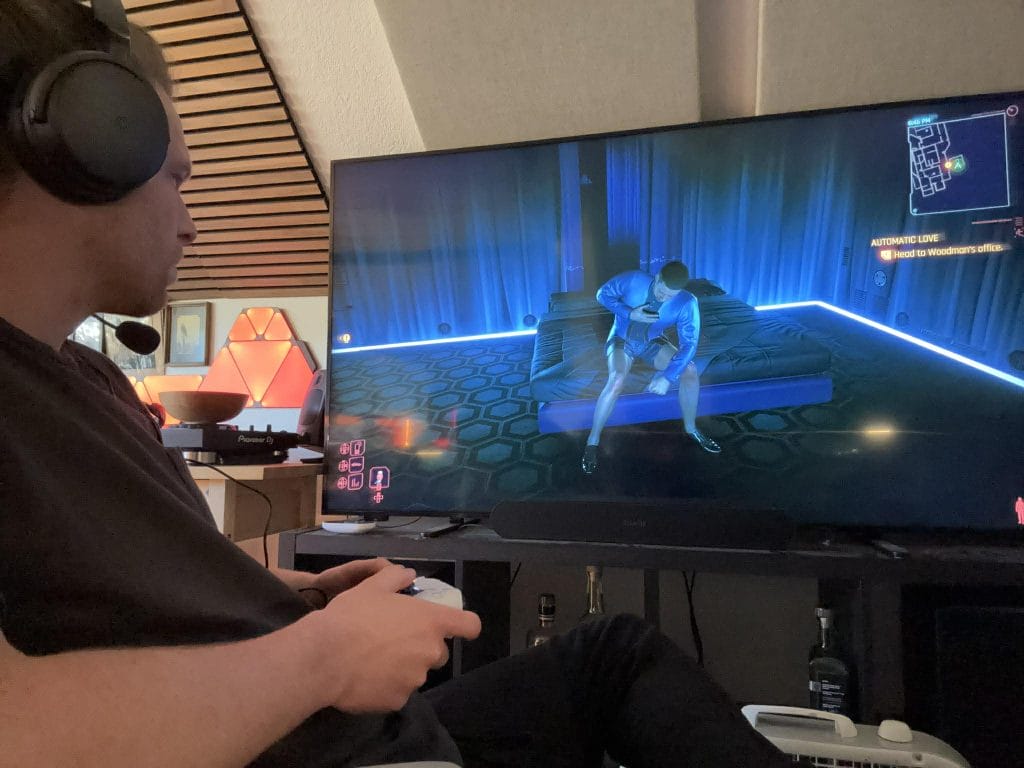
This is where Maxwell 2 makes a lot of sense for my home because PS5 use has been simple and predictable.
On PlayStation 5, Maxwell 2 can be used via the wireless dongle, wired USB, or 3.5 mm AUX through compatible gamepads. You can connect via USB-C or via USB-A using the included adapter cable, which sounds minor until you realize how often console setups involve awkward port access and cable routing.
Maxwell 2 also plays well with the PS5 Tempest 3D audio engine, and enabling 3D audio for headphones on the console requires no extra configuration hoops. You turn it on in console settings and move on.
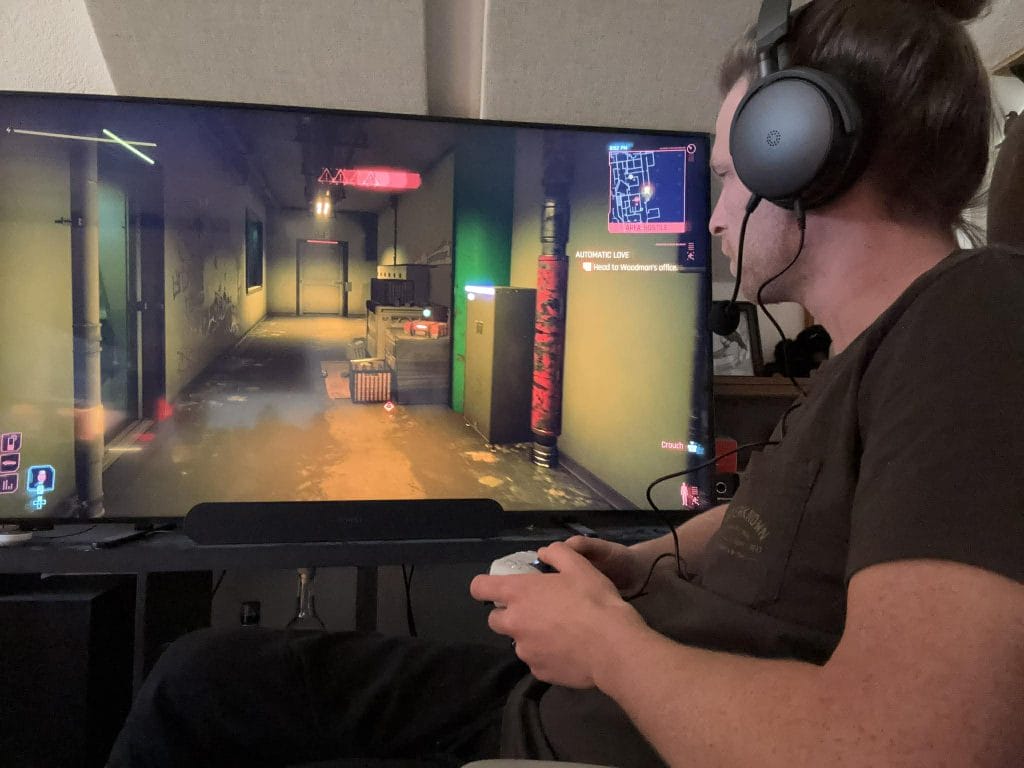
One PlayStation-specific limitation is worth knowing up front. Game and chat mix control through the headset itself is not available on PlayStation, so you handle that mix through console settings when applicable. That is not a dealbreaker for me, but it is something buyers should know before assuming every wheel and control behaves the same across platforms.
The reason PS5 feels clean here is that the dongle mode stays consistent, Tempest 3D is simple to enable, and you do not need to think about endpoint routing the way you do on PC.
Firmware And The Audeze App: Keep It Current, Keep It Simple
If you buy Maxwell 2, you are also buying into a firmware routine. That is not a complaint. It is how modern wireless audio products stay stable over time and actually helps keep such a big investment usable in the long term (even if you know how much I’m not a fan of using supporting apps to get the most out of hardware; but maybe at this point that’s just a boomer take from me).
Firmware updates are done through the Audeze app on PC and macOS, and the update process can update the headset and the dongle. One detail that matters is that the headset and dongle must have matching firmware versions for proper functionality. If you update one and not the other, you can end up in behavior that feels random until you realize the versions are out of sync.
The part I like is that the desktop app includes a straightforward reinstall path. You can reinstall firmware by right-clicking the firmware version label in the product settings. My simple rule here is to keep firmware current and update the headset and dongle together, then leave it alone until you have a reason to change something.
Audio Performance: The Main Strength That Shows Up Immediately
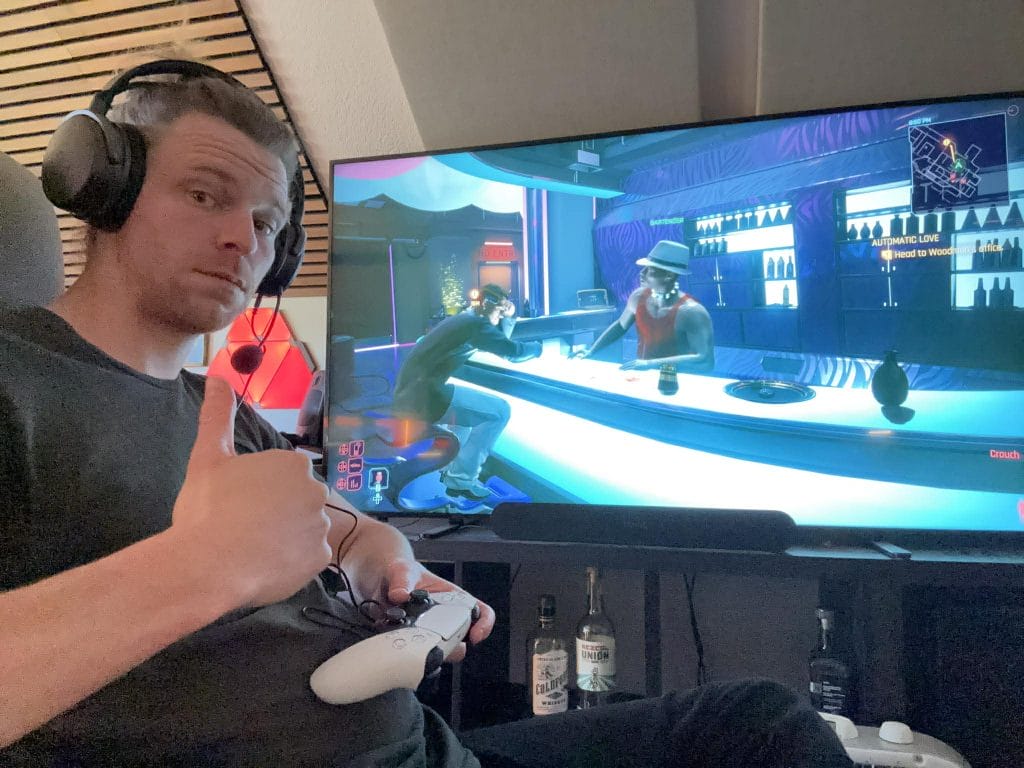
Audio performance is the central reason Maxwell 2 exists, and it comes through fast. The technical anchors here are the 90 mm planar magnetic drivers and Audeze’s SLAM acoustic management, and what I notice most is how cleanly it presents detail and how confidently it places positional cues. When I focus on footsteps, reloads, distant movement, and small environmental details that can get buried on lesser headsets, Maxwell 2 feels controlled and clear.
The one area where I think people need to calibrate expectations is tuning preferences. If you are coming from a headset that pushes bass impact hard by default, Maxwell 2 can feel more disciplined. If you care more about placement and clarity across mids and highs, that discipline can read as a strength. For me, it is the kind of tuning that makes sense for gaming first, then music second, because it stays clean and it avoids obvious smearing.
Microphone: Good Tools, Yet The Raw Result Feels Average For The Price
The mic situation is mixed, and I think it is important to frame it honestly. FILTER AI noise removal and high-bandwidth microphone processing are designed to keep voice comms clear, especially in messy environments, and the noise reduction side of the equation can be genuinely useful.
The raw mic tone itself tends to land as average for this price tier. It gets the job done for party chat, calls, and quick streams, but it is not the reason to buy this headset. Add in the recessed mute switch and you have a mic setup that works, yet it does not feel like the category leader in the way the audio playback side does.
My Bottom Line: Audio-First Buyers Will Get What They Came For
I’ve seen some serious hate for this product around the darker corners of Reddit, but it’s kind of overblown if you ask me; Maxwell 2 does not feel like a failed product despite a few Reddit users’ opinions. And yet it also does not feel like a transformative sequel. It feels like one of the best-sounding wireless gaming headsets available, with a serious audio platform and refinements that make day-to-day use smoother, then it carries a few practical omissions that will matter a lot to certain routines.
If your priority is audio performance in gaming, I would treat Maxwell 2 as a top-tier option. If your priority is feature completeness at this price, a few missing features and the 560 g weight is enough to push some buyers toward lighter competitors.
Since PS5 has worked perfectly in my setup, the Maxwell 2 makes the most sense in a console and handheld PC household where the dongle mode stays consistent, and Tempest 3D is simple to enable.
The post Audeze Maxwell 2 Review: PS5 Performance, Firmware Reality, And Comfort Notes appeared first on Magnetic Magazine.